
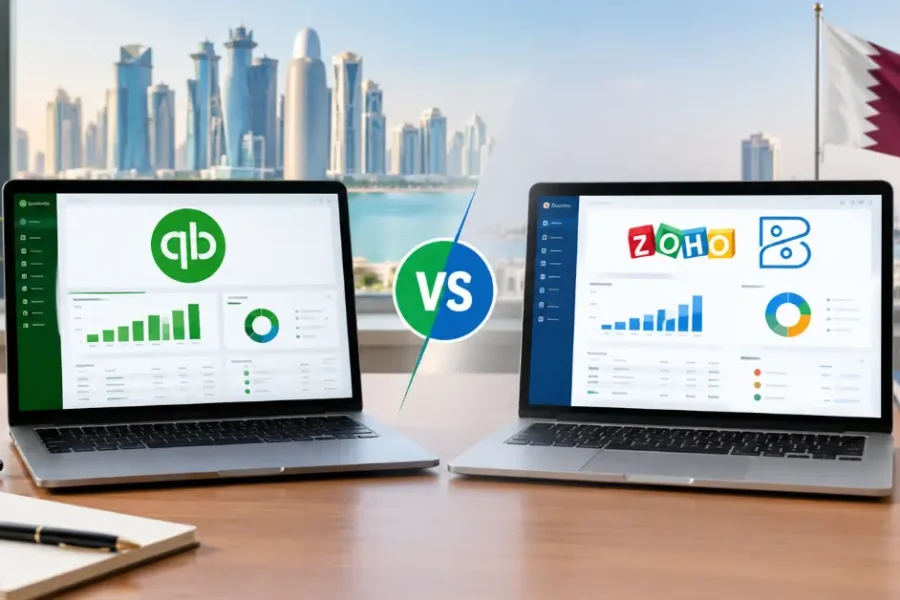
QuickBooks vs Zoho Books: Which Accounting Software Is Better for Qatar SMEs?
Choosing accounting software is one of the first big decisions a growing business makes. In Qatar, the debate often comes down to QuickBooks vs Zoho Books. Both are…

FRS 102 bears more than a passing resemblance to the International Financial Reporting Standard for SMEs, as issued by the International Accounting Standards Board in 2009, although it has been amended to be more compliant with the Companies Act and EU directives, and incorporate some old UK GAAP options.
The new standard impacts a huge swathe of businesses, as it applies to the vast majority of large and medium-sized UK businesses and organisations, including charities, retirement benefit plans and financial institutions. Effective of January this year, ‘small entities’ was broadened to encompass small companies and LLPs not excluded from the small companies / LLPs regime. In addition, FRS 102 applies to all entities that are neither required nor elect to apply EU-adopted IFRSs.
As regulatory changes go, this has been a big one, hence early adoption was encouraged. Bigger still is the official documentation that practitioners have had to acquaint themselves with, at around 350 pages but on the plus side, it is only a tenth the length of the old GAAP documentation!
Living in Qatar doesn’t always mean your UK tax story is over. Many British expats still rent out a home in the UK, run a side business, or file a Self Assessment return each year. Sooner or later, a bank or broker asks for proof of income. That’s when the HMRC online tax calculation becomes very important.
The good news? You don’t need to call HMRC or wait weeks for a letter. In this guide, we’ll show you how to print your client’s tax calculation and tax year overview. We’ll also cover the common problems and how to fix them fast.
An HMRC online tax calculation is the official breakdown of a person’s income and tax for one tax year. It is based on the figures in their Self Assessment return. Most people still call it the SA302, and lenders use both names.
It usually comes with a second document called the tax year overview. The two work as a pair:
The calculation proves what your client earned. The overview proves HMRC has the same figures on record. That’s why most lenders ask for both.
UK expats in Doha and across Qatar often need to prove their UK income. Common reasons include:
In each case, the lender wants trusted figures. A self-made spreadsheet won’t do. An official HMRC online tax calculation gives them what they need, in a format they recognise.
If your client filed their return through their own HMRC online account, they can print both documents themselves. Here’s how.
Go to GOV.UK and sign in with the client’s Government Gateway user ID and password. Have their phone nearby for the security code. A Qatar mobile number works, as long as it’s set up on the account.
From the account home page, choose Self Assessment. Then pick the tax return options or the “Get SA302 tax calculation” link, depending on the layout you see.
Select the year the lender wants. Most lenders ask for the last two or three years, so you may need to repeat these steps.
Click “view calculation”, then “view and print your full calculation”. Save it as a PDF or print it directly.
Go back and open the tax years section. Choose the same year and click “print your tax year overview”. Now you have the full set.
Tip: Wait at least 72 hours after submitting a return before you try to print. The figures may not show before then.
Most accountants don’t file through HMRC’s free online service. They use commercial tax software instead. This changes where each document comes from.
Lenders that follow HMRC’s guidance accept this pairing. The software calculation shows the detail. The overview from HMRC confirms the figures match. If a lender refuses, a good tax consultancy will point them to HMRC’s guidance for mortgage lenders.
| Problem | Likely cause | Quick fix |
|---|---|---|
| Tax calculation link is missing | Return was filed with commercial software or on paper | Print it from the filing software, or ask your accountant |
| Figures look out of date | Return was filed in the last 72 hours | Wait three days, then try again |
| Can’t sign in from Qatar | Old UK phone number on the account | Update the number or use an authenticator app |
| Older years won’t show | HMRC only shows recent years online | Ask your agent, or request copies from HMRC |
| Lender rejects the documents | Lender is unaware of HMRC’s guidance | Share HMRC’s lender guidance and ask them to review |
Most of these issues take minutes to fix once you know the cause.
Printing one document sounds simple. But expats often juggle UK rules, Qatar time zones and tight lender deadlines. One wrong figure can delay a mortgage offer by weeks.
A trusted tax consultancy takes that pressure off. At Bookkeeping Qatar, we help UK expats and their advisers to:
You get clear answers, fast turnaround and documents that lenders accept the first time.
Don’t let missing paperwork hold up your mortgage or loan. The team at Bookkeeping Qatar handles your UK tax filing and prints your HMRC online tax calculation and tax year overview, ready for your lender.
Contact Bookkeeping Qatar today for a free consultation with our tax consultancy experts. Let us handle HMRC, so you can focus on life in Qatar.
Yes. SA302 is the old form name for the tax calculation. Lenders use both terms for the same document.
Yes. You can sign in to your HMRC online account from anywhere. You just need your Government Gateway details and access to your security codes.
HMRC usually shows the last four years online. For older years, ask your accountant or contact HMRC.
Your return was probably filed with commercial software or on paper. In that case, your accountant must print it from their software.
Most do, as long as it comes with the tax year overview from HMRC. HMRC publishes a list of lenders that accept self-printed documents.
Wait at least 72 hours after you submit your return. This gives HMRC time to process the figures.
Yes, many users can now view and download their tax calculation through the HMRC app as well as the website.
Paper filers receive one automatically. Online filers are expected to print their own, so posting abroad is rarely needed.
Qatari business owners, entrepreneurs and managers — get in touch with Bookkeeping Qatar now for a free consultation.
Get free consultation!
Choosing accounting software is one of the first big decisions a growing business makes. In Qatar, the debate often comes down to QuickBooks vs Zoho Books. Both are…

Tax compliance in Qatar is no longer a once-a-year task you can leave to the last week. The General Tax Authority (GTA) now runs every filing through its…
Learn how to use the Dhareeba Tax Portal in Qatar. A simple guide to Dhareeba registration, getting your Qatar Tax Identification Number, and filing tax returns on time.…