
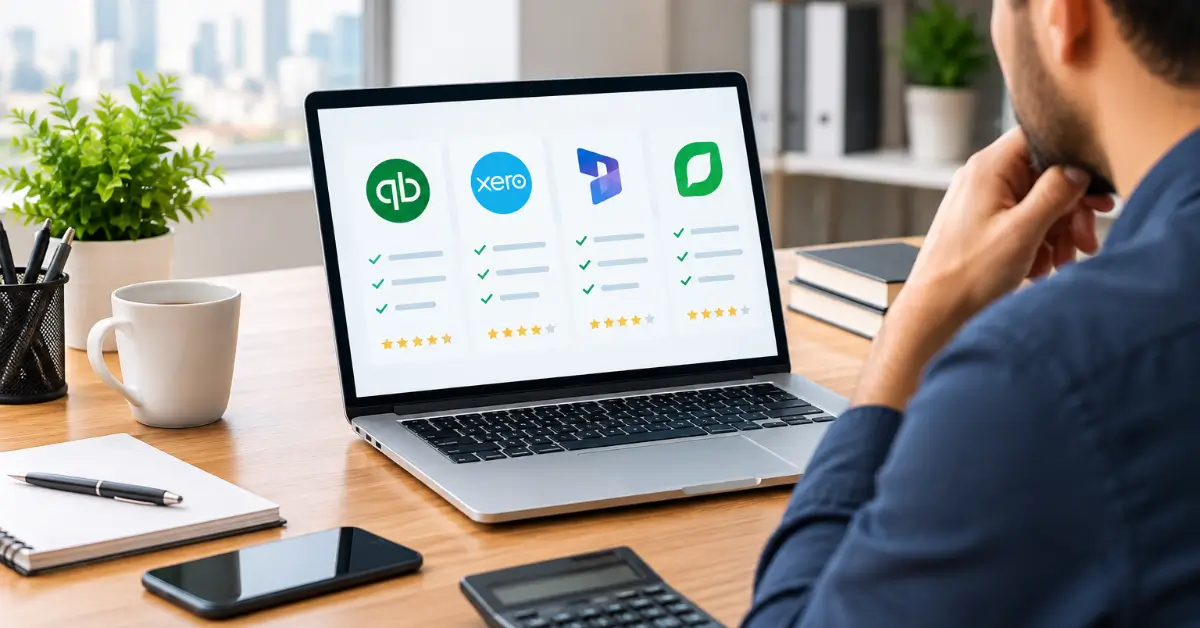
Running a small business in Qatar keeps you busy. You handle customers, suppliers, staff, and sponsors, often all in one day. So when it comes to the books, you need a system that saves time instead of wasting it.
That is where the right accounting software for small business makes a real difference. It tracks your income and expenses, sends invoices, and shows you exactly where your money goes. However, with so many tools on the market, picking one can feel overwhelming.
In this guide, we break down how to choose accounting software that fits your business, your budget, and Qatar’s growing compliance needs. We also compare two popular options, QuickBooks and Zoho Books, so you can decide with confidence.
Why Small Businesses in Qatar Need Accounting Software
Many SMEs in Qatar still rely on spreadsheets or paper files. That works at first. But as sales grow, mistakes creep in, and finding a missing invoice can take hours.
Good small business accounting software Qatar owners trust solves these problems in three ways.
Better Accuracy and Less Manual Work
Automation cuts down on typing errors. Bank feeds pull in transactions for you, and the software matches them to your records. As a result, month-end closing becomes faster and far less stressful.
Readiness for Tax and Regulatory Changes
Qatar does not charge VAT yet. However, it has signed the GCC VAT Framework Agreement, which sets a 5% standard rate, and the country has taken steps toward e-invoicing. In addition, the General Tax Authority applies corporate income tax to foreign-owned shares of profit. Clean, digital records make it much easier to adapt when new rules arrive.
Clear Financial Insight
Modern financial management software turns raw numbers into simple reports. You can check cash flow, profit, and overdue payments in seconds. Consequently, you make decisions based on facts, not guesses.
Key Accounting Software Features to Look For
Not every tool offers the same value. Before you sign up, check that these core accounting software features are included.
- Invoicing and quotes: Create professional invoices in QAR, add your logo, and send payment reminders automatically.
- Bank reconciliation: Connect your bank accounts so transactions sync and match without manual entry.
- Multi-currency support: Many Qatar businesses pay suppliers in USD, EUR, or INR. Your software should handle exchange rates with ease.
- Expense tracking: Snap photos of receipts on your phone and attach them to each expense.
- Arabic and English support: Bilingual invoices help when you deal with government entities and local clients.
- Inventory management: Retail and trading firms need stock tracking that updates with every sale.
- Payroll integration: Look for tools that work with WPS (Wage Protection System) payroll files or connect to a payroll app.
- Reports and dashboards: Profit and loss, balance sheet, and cash flow reports should be one click away.
- Tax-ready settings: Choose a system that can switch on VAT tracking and e-invoicing once Qatar introduces them.
Above all, the software should be easy to use. A tool packed with features is useless if your team avoids it.
6 Steps to Choosing Accounting Software for Your Business
Choosing accounting software becomes simple when you follow a clear process. Use these six steps as your checklist.
Step 1: Define Your Business Needs
Start by listing what you do every week. Do you send many invoices? Do you hold stock? Do you pay staff monthly? A small consultancy needs very different tools from a trading company with a warehouse in Doha’s Industrial Area.
Step 2: Set a Realistic Budget
Most online bookkeeping software runs on a monthly subscription. Plans often range from free basic tiers to premium packages for growing teams. Remember to include extra costs, such as added users, payroll add-ons, and setup help.
Step 3: Choose Cloud-Based Over Desktop
Cloud software lets you work from the office, home, or while travelling. Your data is backed up automatically, and updates happen in the background. For most Qatar SMEs, cloud is the smarter choice.
Step 4: Check Local Compliance and Data Security
Ask the provider how they store data and protect it. Also confirm the tool can add VAT and e-invoicing features when Qatar rolls them out. Strong encryption and two-factor login are must-haves.
Step 5: Look at Integrations
Your accounting tool should talk to the apps you already use. Think of your bank, POS system, e-commerce store, and CRM. Fewer manual exports mean fewer errors.
Step 6: Test Before You Commit
Nearly every provider offers a free trial. Use it with real data from one month. Then ask your accountant or bookkeeper for their opinion before you decide.
QuickBooks vs Zoho Books: Which Is Better for Qatar SMEs?
The QuickBooks vs Zoho Books debate comes up often among business owners in Qatar. Both are trusted cloud platforms, yet each suits a slightly different user.
| Factor | QuickBooks Online | Zoho Books |
| Ease of use | Clean layout, popular with accountants worldwide | Simple setup, friendly for first-time users |
| Arabic support | Limited | Arabic language and bilingual invoices |
| GCC tax readiness | Global version, VAT settings need manual setup | GCC VAT templates already used in UAE and KSA |
| Integrations | Very large app marketplace | Strong links with the wider Zoho suite (CRM, Inventory, Payroll) |
| Best for | Firms that want a widely known global tool | Budget-conscious SMEs that want regional features |
When QuickBooks Makes Sense
QuickBooks is a strong pick if your accountant already uses it or your company works with international partners. Its reporting is detailed, and its app store covers almost every need.
When Zoho Books Makes Sense
Zoho Books often wins for smaller Qatar firms. It offers Arabic support, regional tax templates, and affordable plans. Moreover, it fits neatly with other Zoho apps as your business grows.
Prices and features change often, so always check the latest plans on each provider’s website before you buy.
Common Mistakes to Avoid When Selecting Accounting Software
Even smart owners make costly choices. Watch out for these common traps.
- Choosing on price alone. The cheapest plan may lack features you need in six months. Switching later costs more time and money.
- Ignoring growth. Pick a tool that scales with extra users, branches, and currencies.
- Skipping training. Your team needs a few hours to learn the system. Without it, errors return quickly.
- Poor data migration. Moving old records carelessly can leave gaps in your history. Get expert help for a clean transfer.
- Going it alone. Software records numbers, but it cannot interpret them. A professional bookkeeper keeps your accounts accurate and audit-ready.
Final Thoughts
The best accounting software for small business in Qatar is the one that matches your daily work, your budget, and your future plans. Start with your needs, compare key features, and test a few options with real data.
Whether you choose QuickBooks, Zoho Books, or another accounting software platform, the goal stays the same. You want accurate books, clear reports, and peace of mind when new tax rules arrive. With the right tool and the right support, your finances become a strength rather than a headache.
Get Expert Help from Bookkeeping Qatar
Not sure which accounting software fits your business? Bookkeeping Qatar can help. Our team assesses your needs, recommends the right platform, and handles setup, data migration, and staff training. We also manage your day-to-day bookkeeping, so your records stay accurate and ready for any future VAT or e-invoicing rules.
Contact Bookkeeping Qatar today for a free consultation and take the stress out of managing your small business finances.
Frequently Asked Questions
1. What is the best accounting software for small business in Qatar?
There is no single best option for everyone. Zoho Books and QuickBooks Online are both popular. Zoho Books suits SMEs that want Arabic support and regional tax templates, while QuickBooks suits firms that need a widely used global tool.
2. Is there VAT in Qatar in 2026?
No. Qatar has not introduced VAT yet. However, it has signed the GCC VAT Framework, which sets a 5% standard rate. Choosing software that can switch on VAT later is a smart move.
3. How much does accounting software cost in Qatar?
Costs vary by provider and plan. Many tools offer a free or low-cost starter tier, with monthly fees rising as you add users and features. Always factor in setup, training, and add-on costs.
4. Is cloud accounting software safe for my business data?
Yes, when you choose a trusted provider. Look for data encryption, two-factor login, and automatic backups. Cloud tools are often safer than a single office computer.
5. Can accounting software handle multiple currencies?
Most modern tools can. QuickBooks and Zoho Books both support multi-currency transactions, which helps Qatar businesses that trade with foreign suppliers.
6. Do I still need a bookkeeper if I use accounting software?
Yes, in most cases. Software automates data entry, but a bookkeeper checks accuracy, prepares reports, and keeps you ready for audits and tax filings.
7. Can I switch from spreadsheets to accounting software easily?
Yes. Most platforms let you import data from Excel or CSV files. For a clean and complete transfer, it helps to work with a professional bookkeeping firm.
